How it works
The same coin you would create on pump.fun, created from a terminal in a Roblox world. Building your own game? Tokenize it.
 1
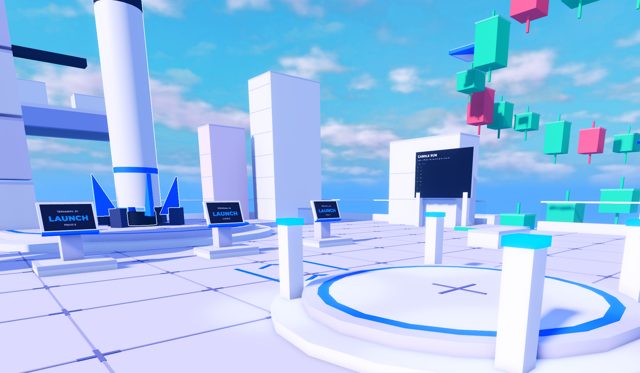
1Walk up to a terminal
Three terminals stand in front of the pad. Press E to open one.
 2
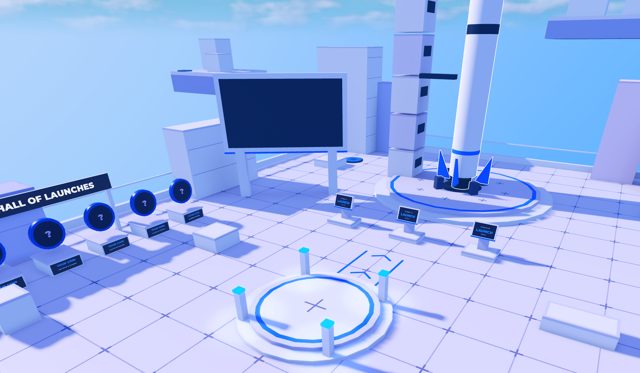
2Fund your game wallet
Your Roblox account gets its own Solana address in the Wallet tab. Send SOL from Phantom or any wallet.
 3
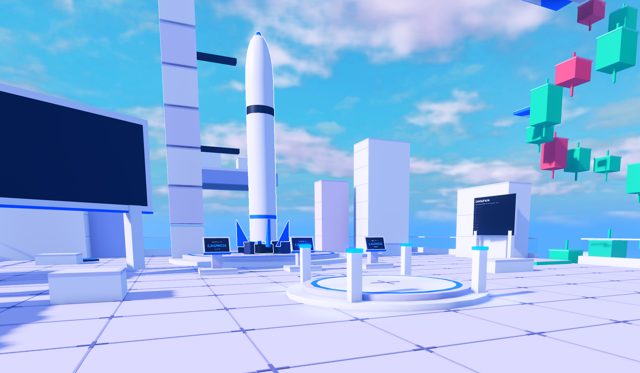
3Create the coin
pump.fun's create flow, field for field, then an optional dev buy.
 4
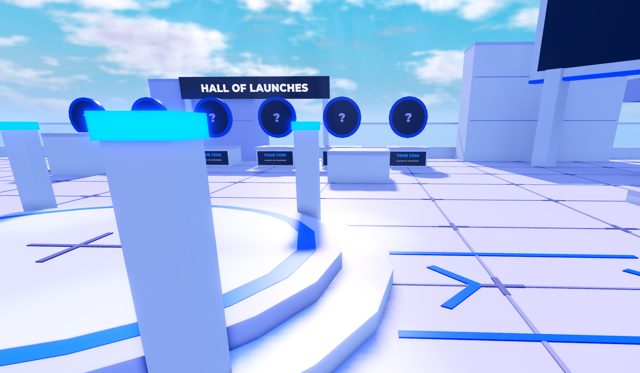
4Liftoff
The rocket flies with your ticker, your coin joins the Hall, and your dev-buy tokens sit in your game wallet.
Questions
Who holds the keys to my game wallet?
The Mint Your Game server holds them, encrypted, because Roblox cannot connect a browser wallet. Treat it like an exchange balance: keep what you need for launches in it and withdraw the rest to your own wallet from the terminal any time.
Who gets the creator fees?
Mint Your Game. Every coin launched in the game or on this site names the Mint Your Game fee wallet as its pump.fun creator, so creator fees go there. You pay the launch, keep every token from your dev buy and trade it like any pump.fun coin.
Can I tokenize my own Roblox game?
Yes, on the Create page. Paste your game link, put the code we give you in your experience description on Roblox to prove it's yours, then launch with your own Solana wallet. One coin per game.
What does a launch cost?
About 0.025 SOL for pump.fun's account rent and network fees, plus the dev buy if you choose one. Mint Your Game adds nothing on top.
Can I change the coin after launch?
No. Like on pump.fun, name, ticker, image and links are fixed once the coin is created.
Is this made by Roblox or pump.fun?
No. Mint Your Game is an independent experience. Coins are created through pump.fun's public program on Solana.